Confirm the seller
Check who receives payment and whose terms apply before using a retail deal.
THE SELLER DESK
The verified primary routes are PlayStation Store, Xbox Store and Rockstar Store. Selected third-party sellers can be compared when the live listing is clear.
THE DECISION IN THREE PARTS
Check who receives payment and whose terms apply before using a retail deal.
Match platform, edition, digital or boxed code, region and final total.
Save the order confirmation and code instructions in the platform account you intend to use.
VERIFIED PRIMARY ROUTES
Direct links listed by Rockstar. Check your country, edition and total on the destination.
Official PS5 digital pre-order. Confirm the store country and edition.
Open official store ↗Official Xbox digital pre-order. Confirm your account and the live total.
Open official store ↗Publisher storefront. Country availability and offered format vary.
Open official store ↗Selected third-party retailers may also offer GTA VI where available. A seller enters this guide only after its live offer can be checked.
GO DEEPER
Each guide answers a real question and links to the source behind its central facts.
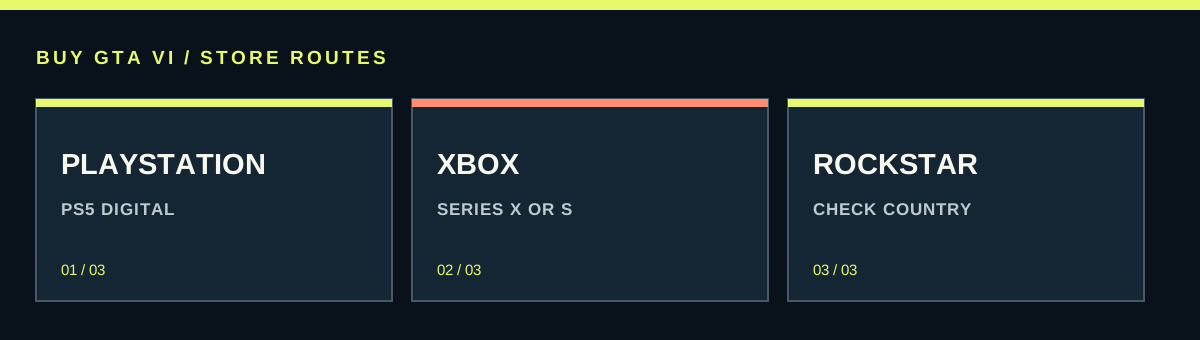 Imagem: buygtavi.comBUYING-GUIDE
Find GTA VI's official preorder routes and compare platform stores with retail codes using account country, edition, delivery, seller support and the full total.
Read guide ↗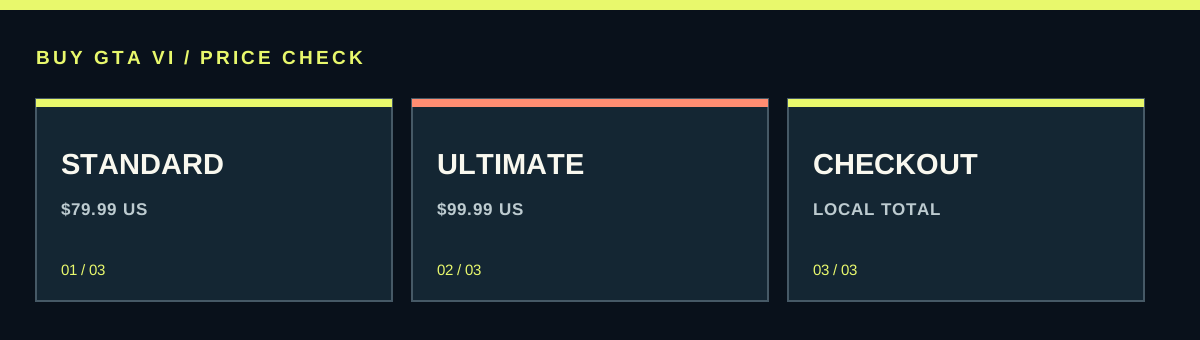 Imagem: buygtavi.comPRICE-GUIDE
Check GTA VI's confirmed US prices, the $20 edition difference, Xbox's upgrade listing and how to compare local checkout totals without buying the wrong product.
Read guide ↗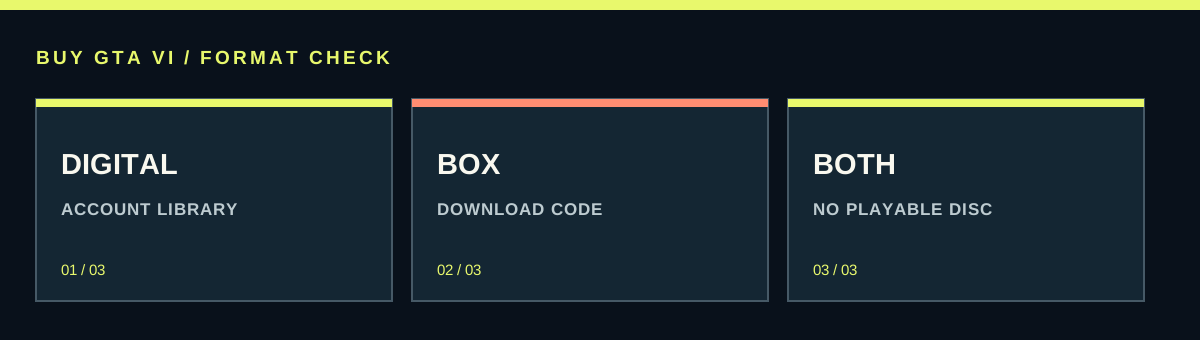 Imagem: buygtavi.comEXPLAINER
GTA VI's retail box has a download code and no disc. Compare downloading, gifting, delivery, resale and the Ultimate upgrade before choosing.
Read guide ↗ Imagem: buygtavi.comSUPPORT-GUIDE
Find the correct PlayStation, Xbox or retailer cancellation route and check why preloading can affect a PlayStation refund request.
Read guide ↗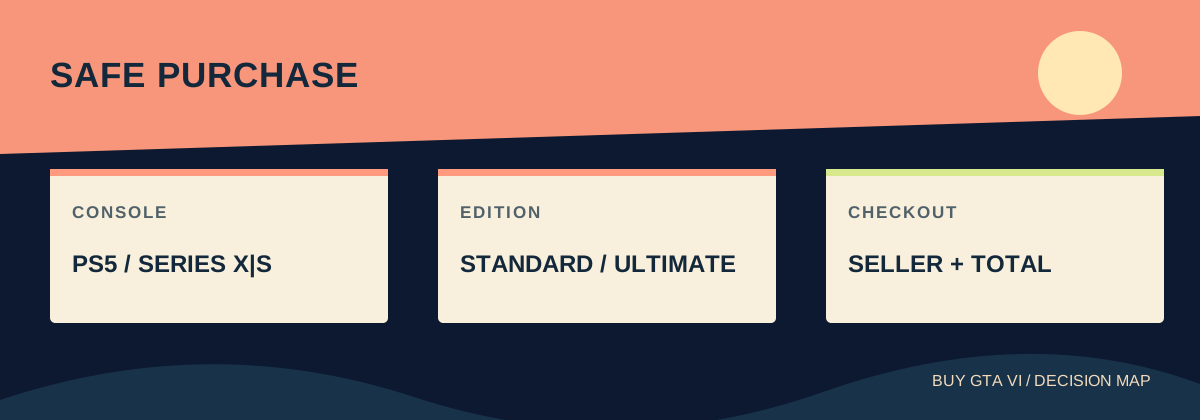 Imagem: buygtavi.comBUYER-GUIDE
Buy the right GTA VI version with practical checks for console, edition, seller, account region, payment, code delivery and launch preparation.
Read guide ↗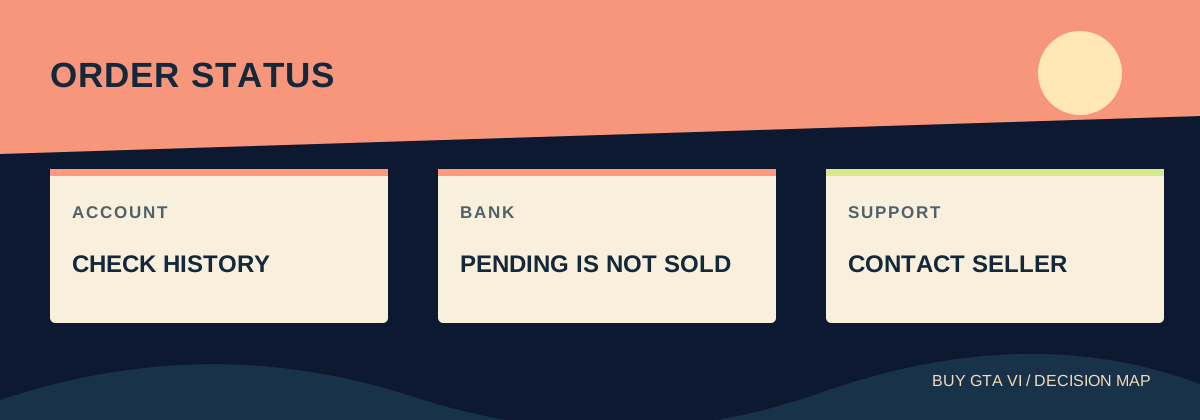 Imagem: buygtavi.comSUPPORT-GUIDE
A practical route when a GTA VI preorder card charge or confirmation fails, with the right support destination for platform stores and retailers.
Read guide ↗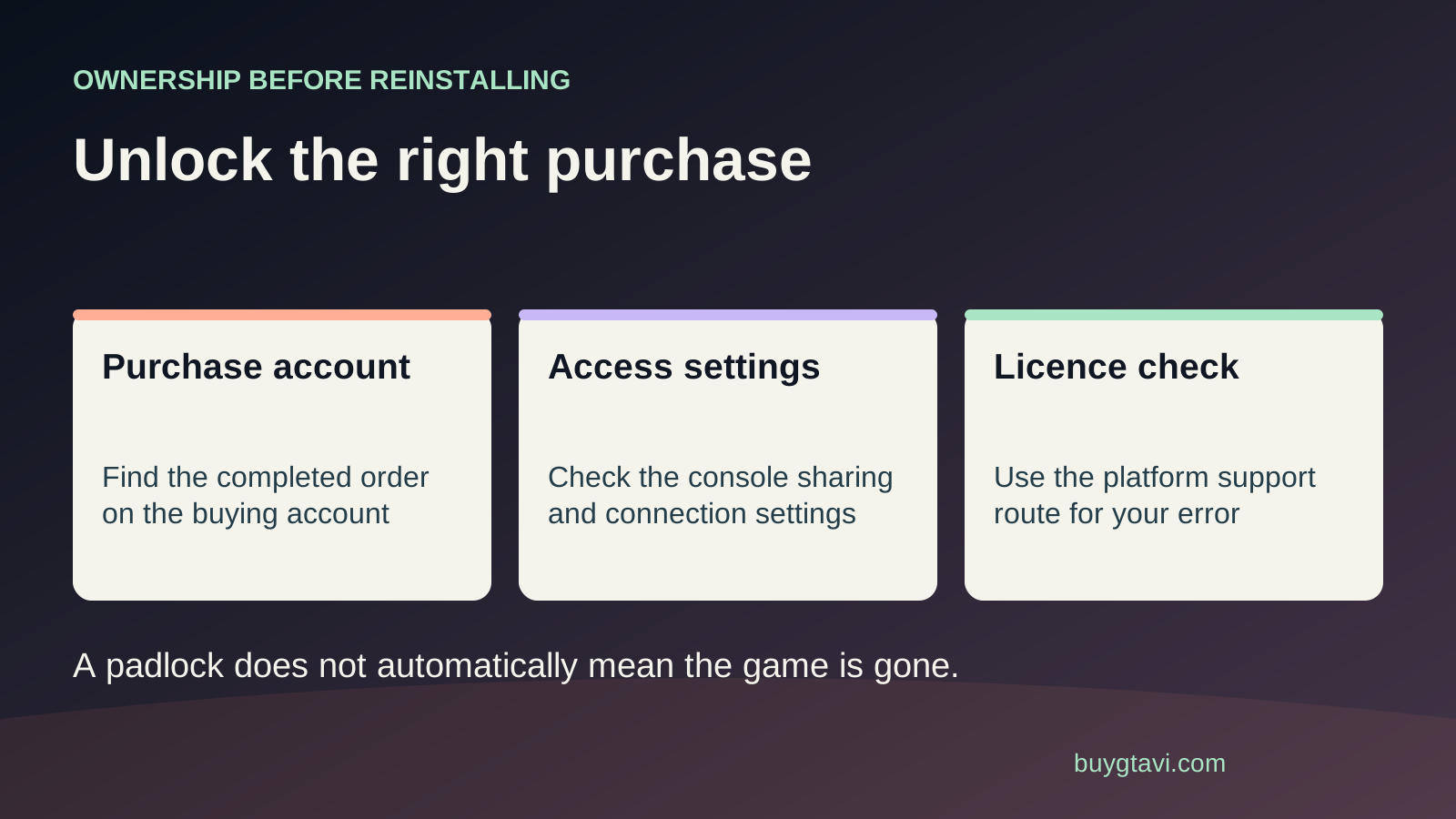 Imagem: buygtavi.comSUPPORT
Understand a locked GTA VI library entry, trace the buying account, restore PS5 licenses, and check Xbox ownership before spending again.
Read guide ↗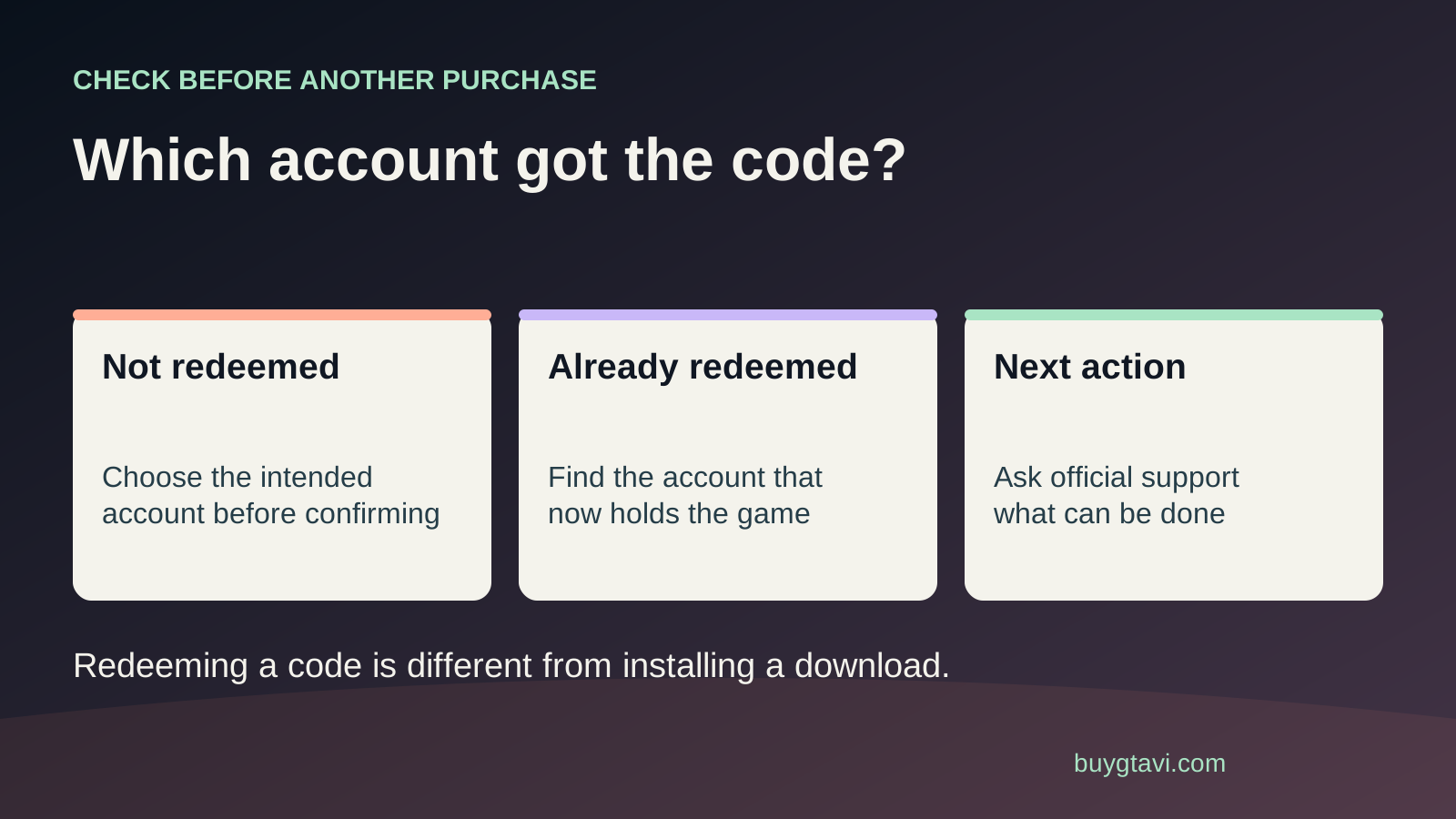 Imagem: buygtavi.comSUPPORT-GUIDE
Find which account received your GTA VI code, separate a preview from a completed redemption, and understand support and household sharing limits.
Read guide ↗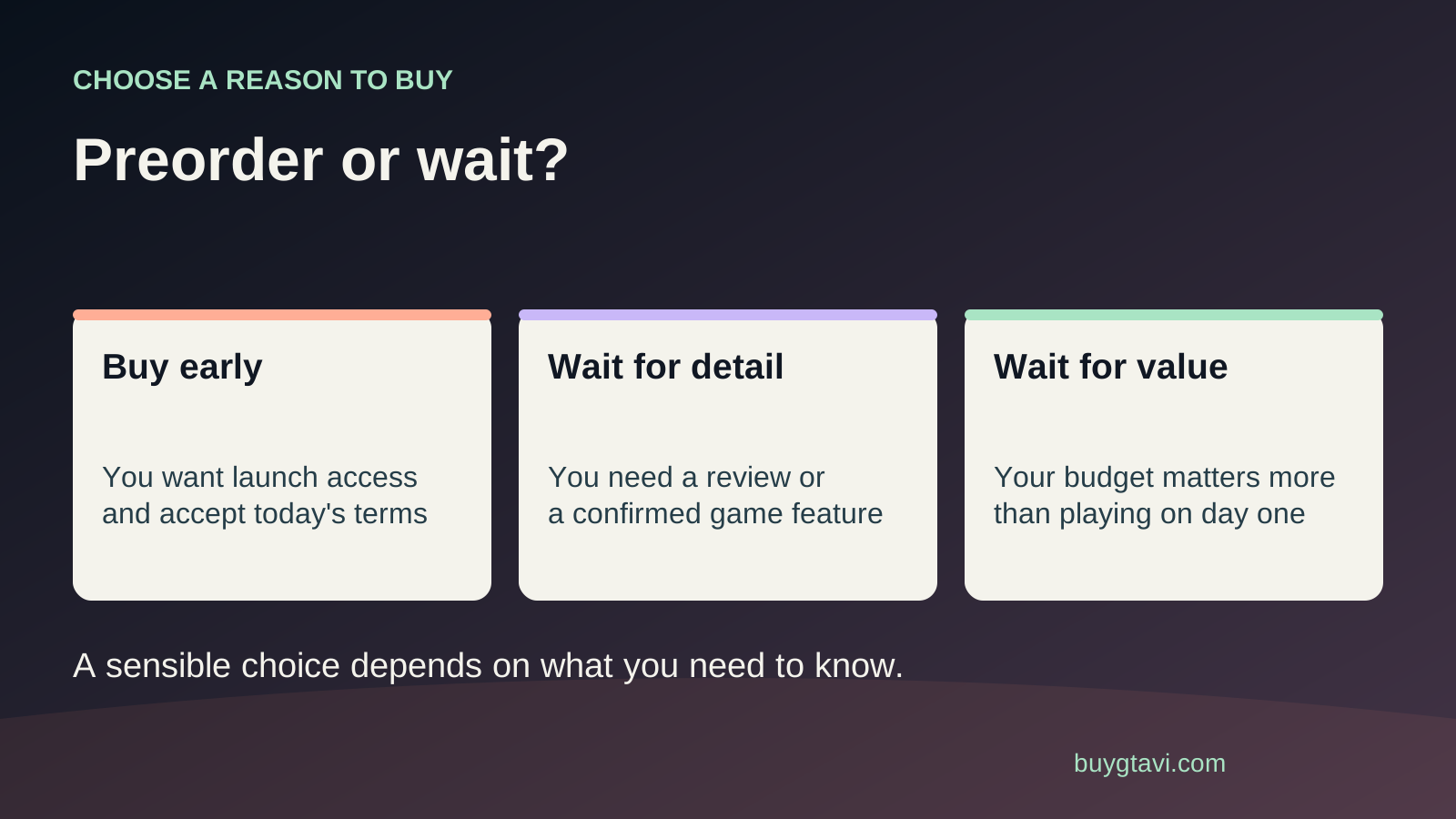 Imagem: buygtavi.comPLANNING
Decide when to buy GTA VI by weighing your budget, preload needs, bonus deadline and the information you still need before paying.
Read guide ↗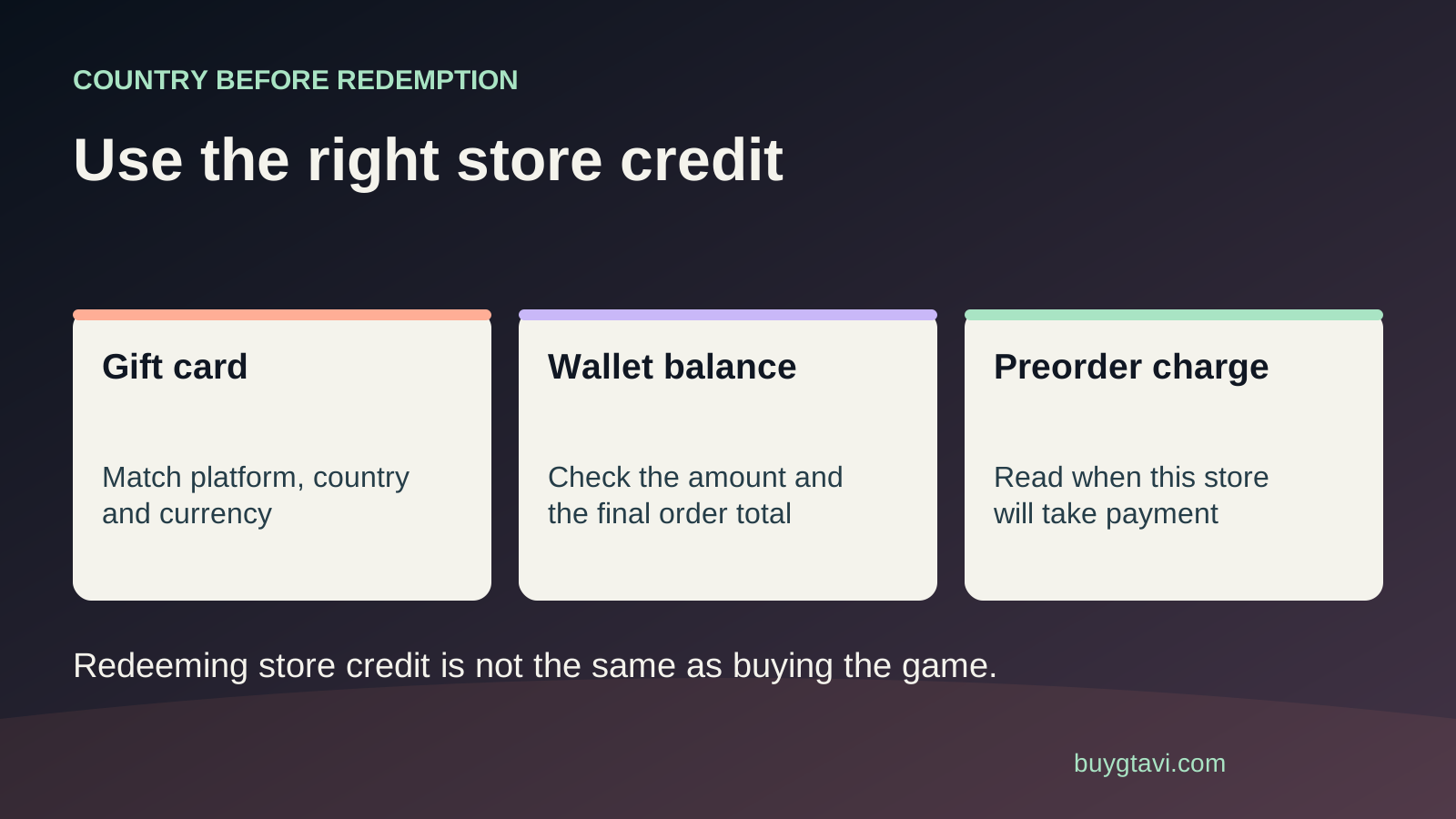 Imagem: buygtavi.comSUPPORT
Use PlayStation or Microsoft gift card credit for GTA VI by checking the account country, currency, full total and preorder charge before redeeming.
Read guide ↗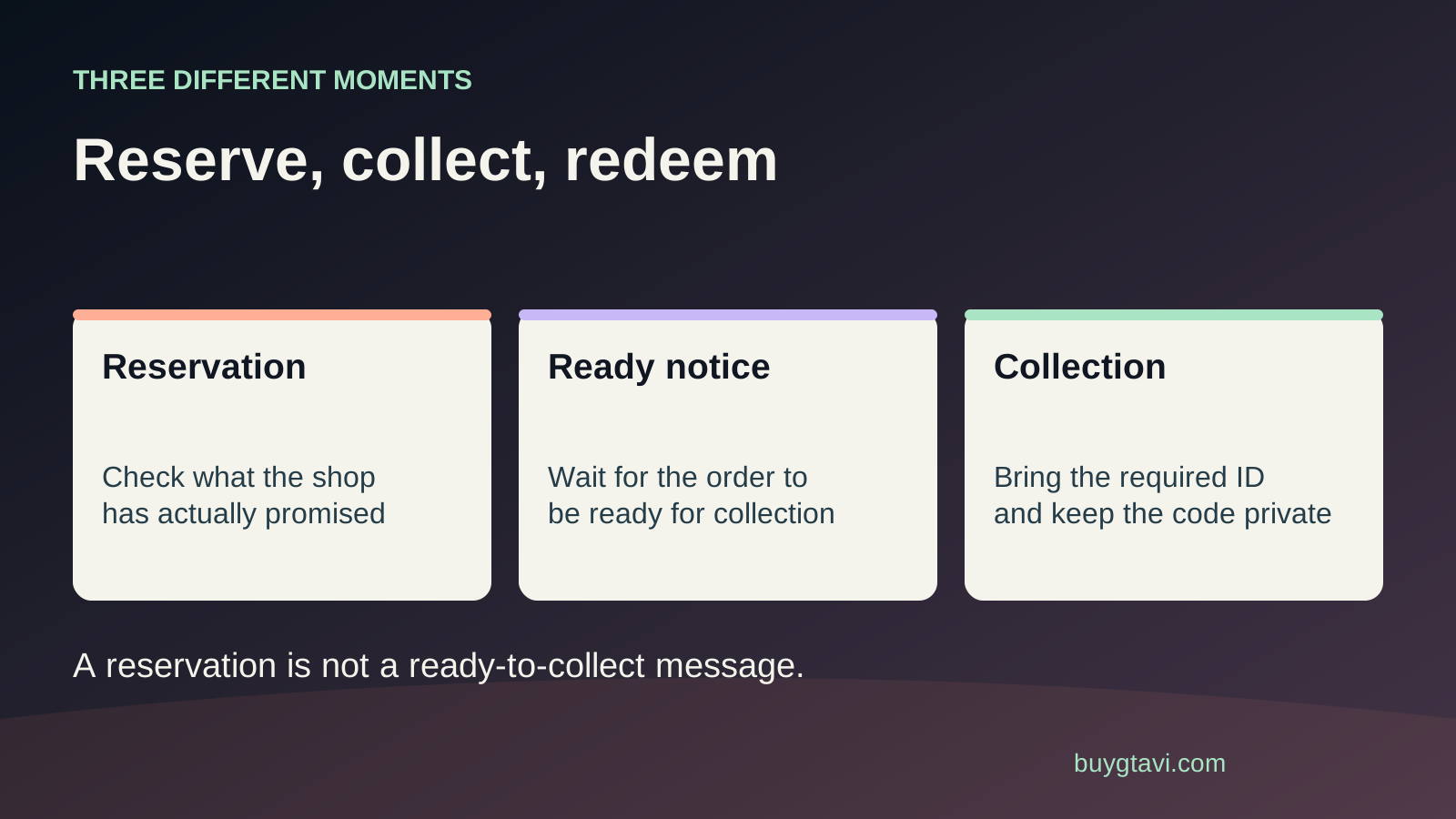 Imagem: buygtavi.comPLANNING
Plan GTA VI store pickup without confusing a reservation, paid preorder and ready-to-collect notice. Check the branch, deadline and download code.
Read guide ↗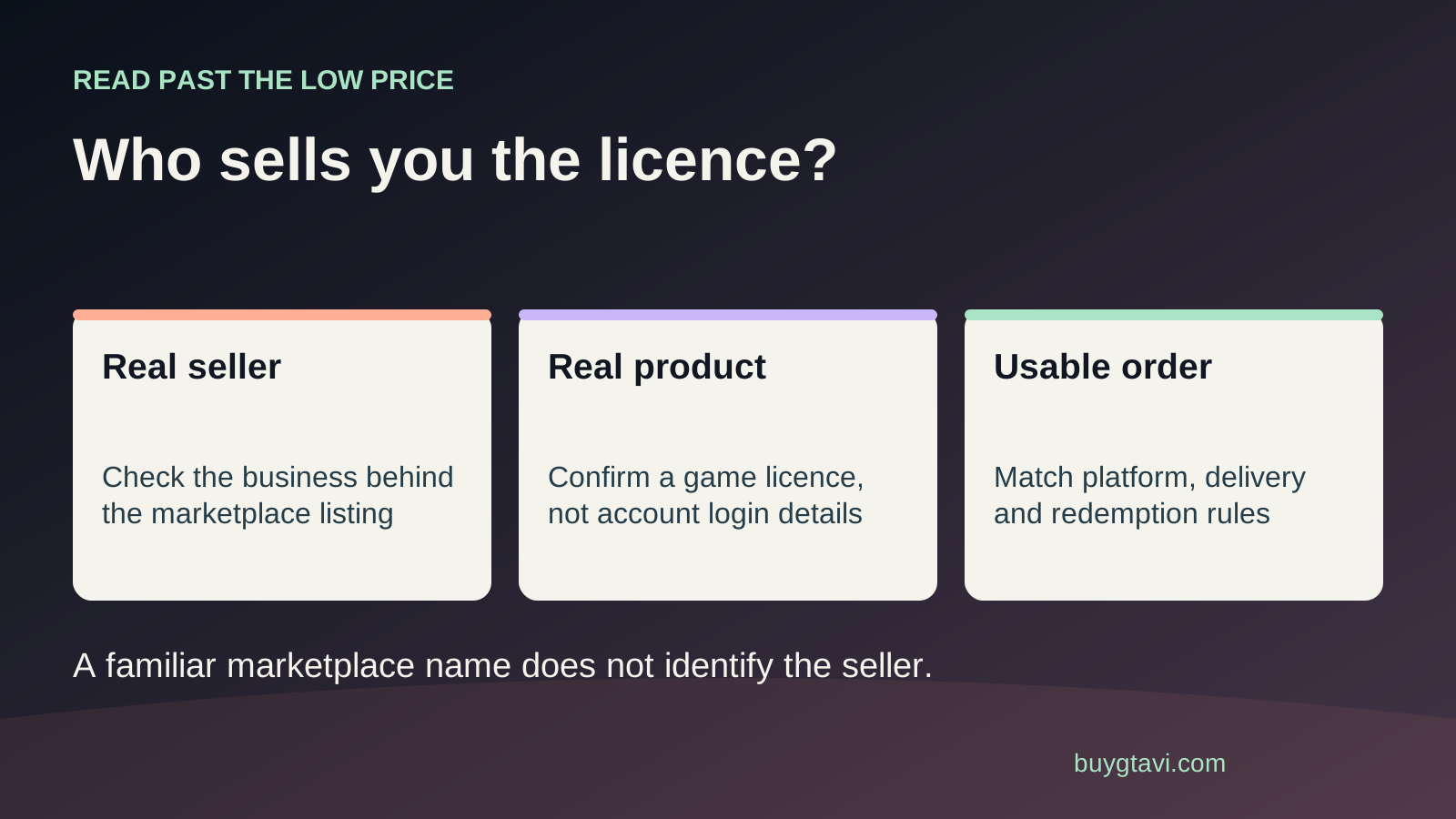 Imagem: buygtavi.comREFERENCE
Check a third-party GTA VI marketplace listing before paying. Identify the seller, code or account delivery, platform fit and real buyer protection.
Read guide ↗