Plan the whole purchase
Compare console, game, storage and extras before choosing where your budget goes.
READY FOR LEONIDA
The big picture, from your first platform decision to the evening you finally press play.
YOUR LAUNCH KIT
Compare console, game, storage and extras before choosing where your budget goes.
Save a personal checklist and work out a realistic download window.
Save guides in this browser and follow the news feed for your next visit.
GO DEEPER
Each guide answers a real question and links to the source behind its central facts.
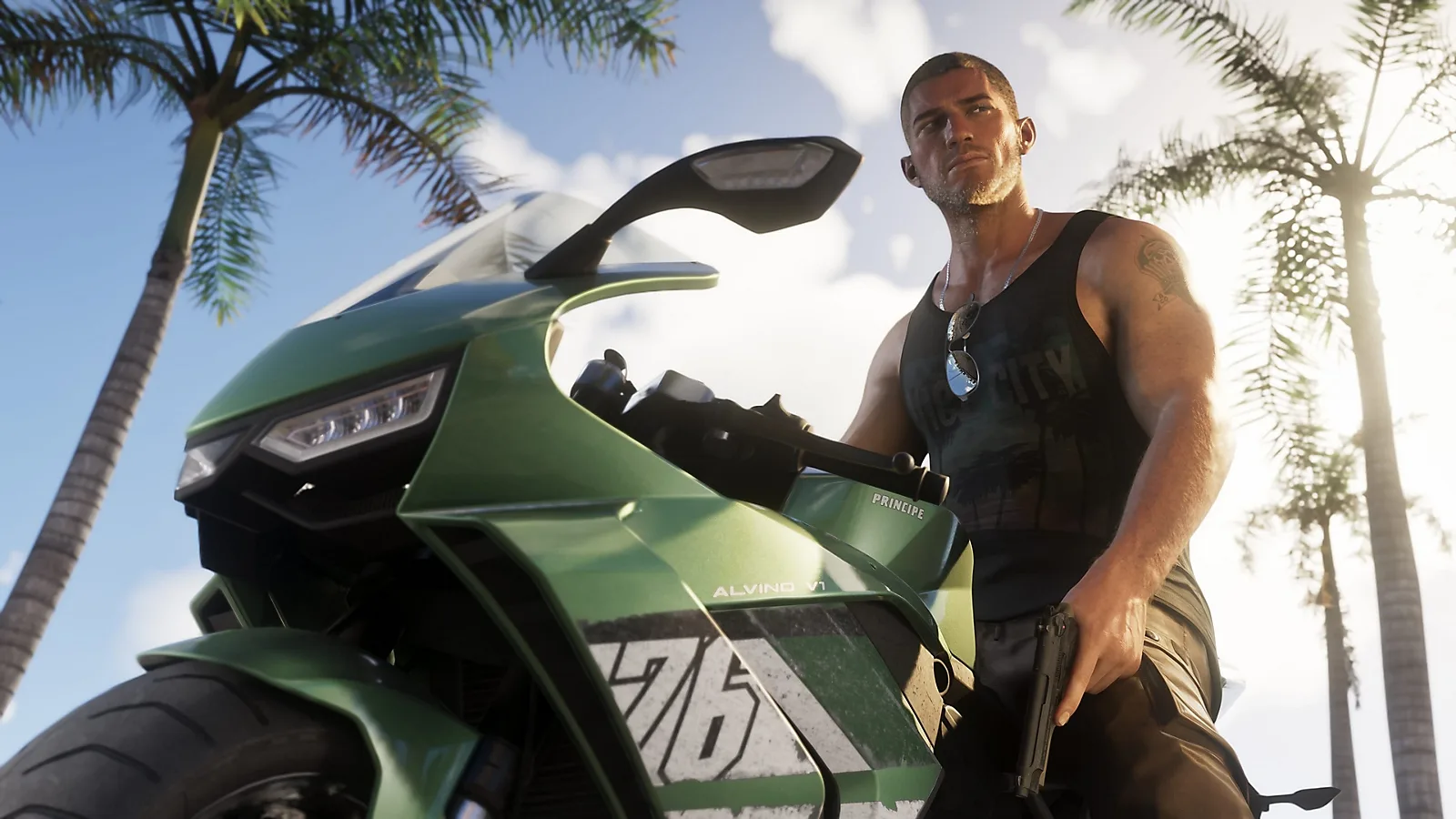 Image: Rockstar Games / PlayStationREFERENCE
Plan GTA VI from preorder to first play: November 19 release, November 12 preload, editions, boxed codes, bonuses and the checks that prevent buying mistakes.
Read guide ↗ Imagem: buygtavi.comREFERENCE
Build a clear GTA VI budget using the console you own, realistic checkout totals and separate plans for hardware, editions, storage and collectibles.
Read guide ↗ Image: Rockstar Games / PlayStationCHECKLIST
Prepare for GTA VI with a practical launch checklist covering your account, edition, retail code, storage, preload, download checks and release-day problems.
Read guide ↗ Image: Rockstar Games / PlayStationREFERENCE
Understand GTA VI offline play, the single-player listing, code-in-box downloads and the PS5 or Xbox settings that affect access without a connection.
Read guide ↗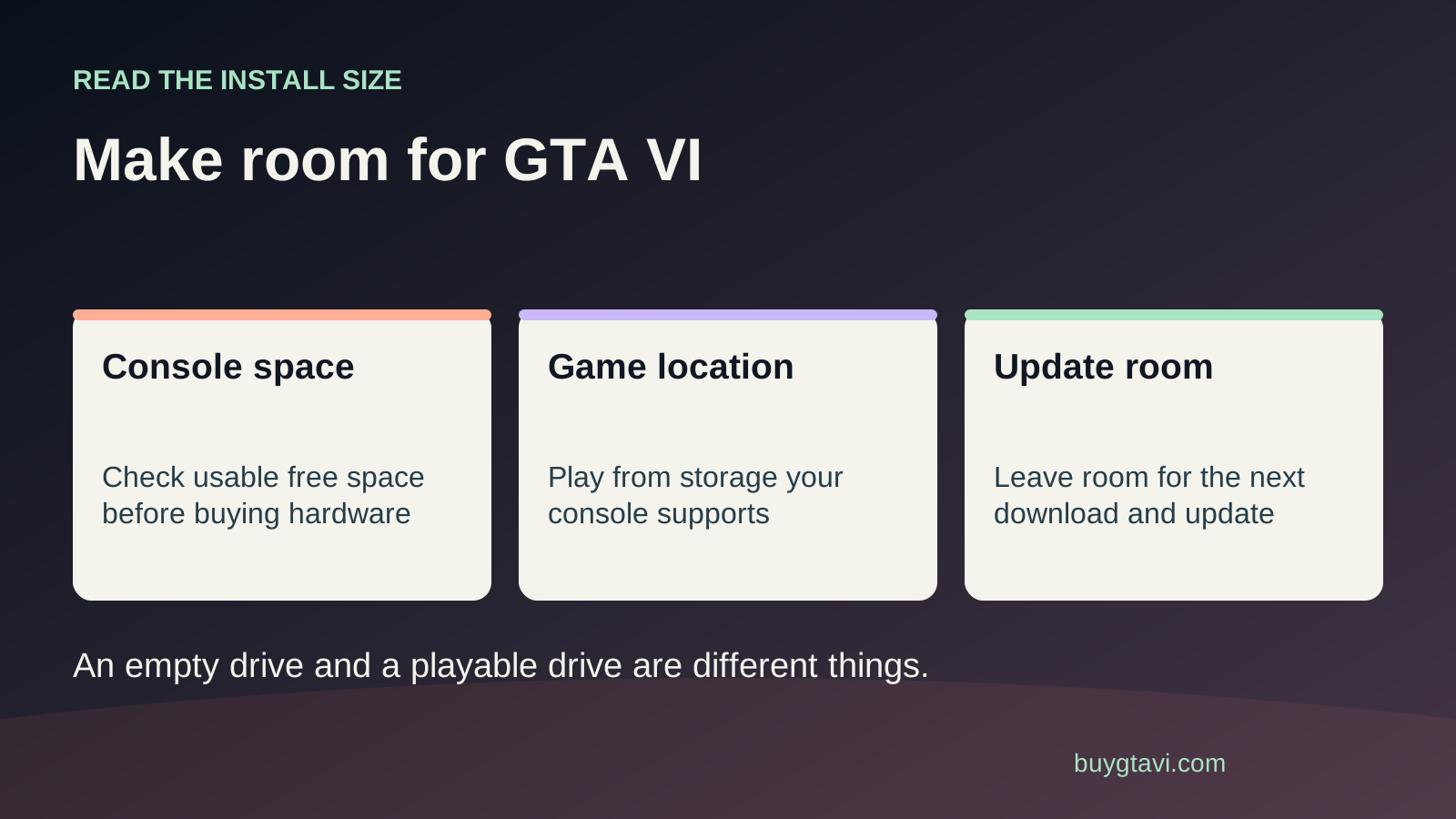 Imagem: buygtavi.comREFERENCE
Prepare PS5 or Xbox Series X|S storage for GTA VI, keep your saves safe, and understand which drives can store a game and which can run it.
Read guide ↗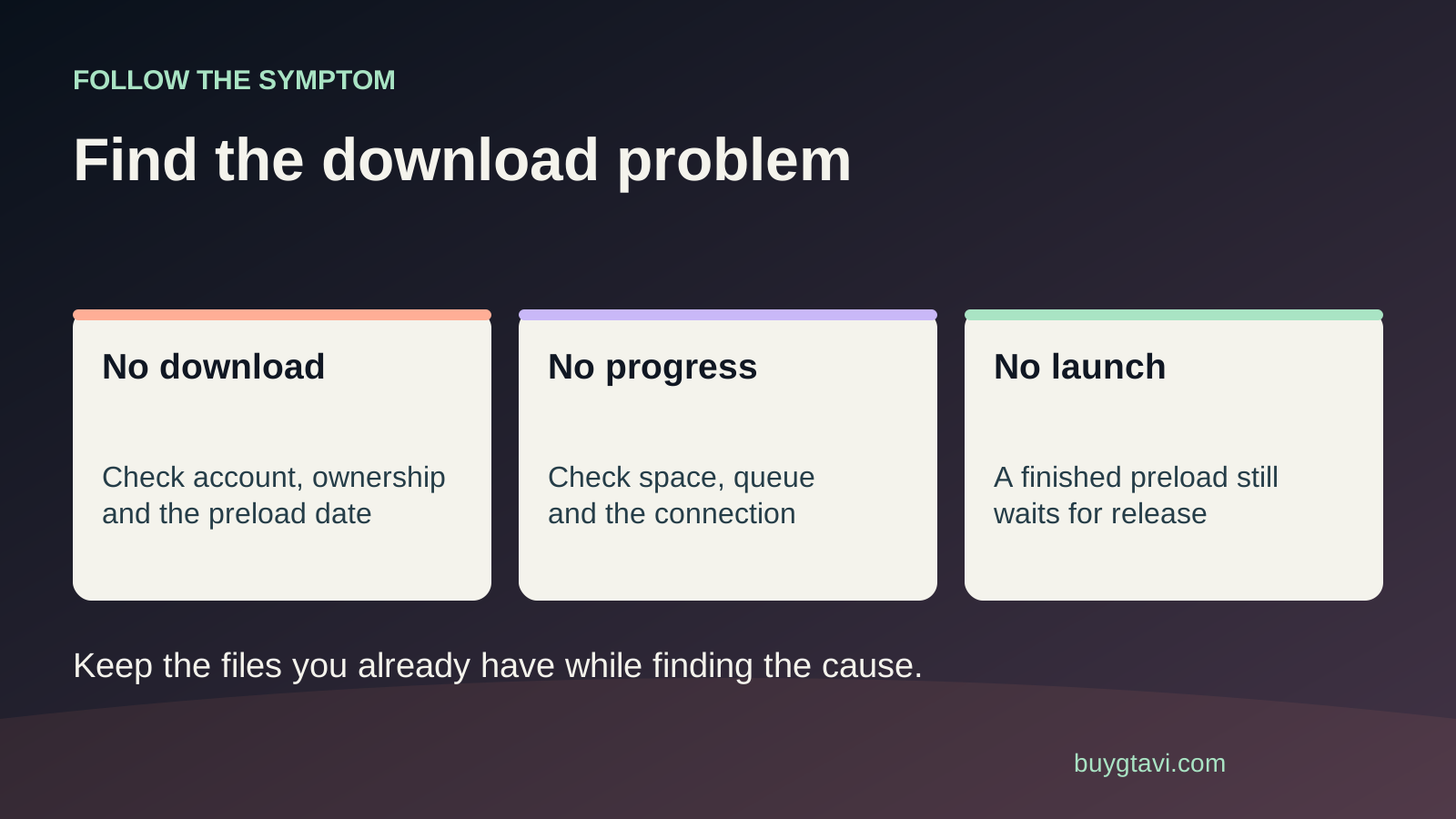 Imagem: buygtavi.comSUPPORT
Work through a queued, paused or stopped GTA VI download on PS5 or Xbox, with storage, connection and account checks in a sensible order.
Read guide ↗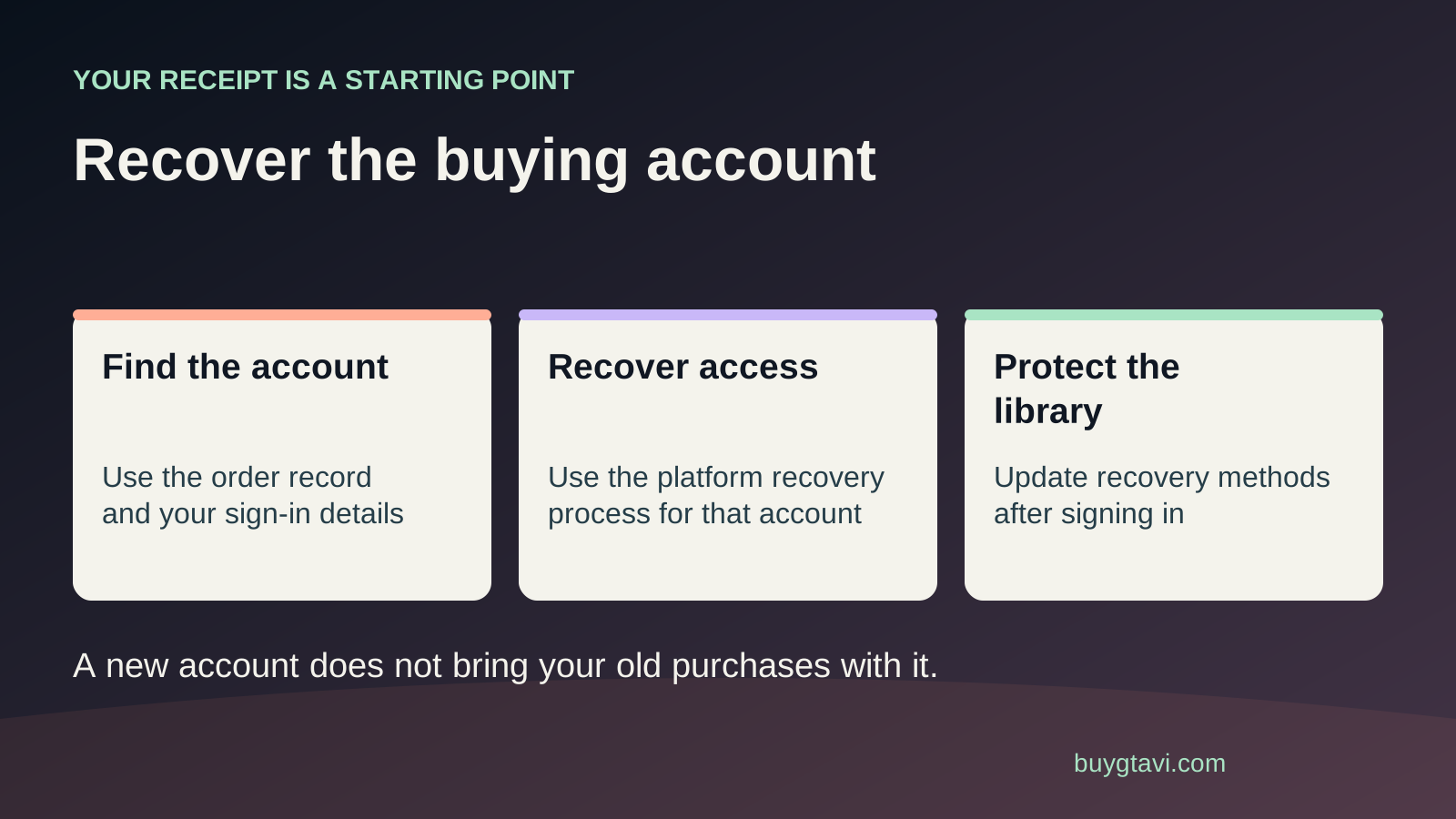 Imagem: buygtavi.comSUPPORT-GUIDE
Trace your GTA VI purchase, choose the correct PlayStation or Microsoft recovery route, and avoid losing access while replacing a phone or console.
Read guide ↗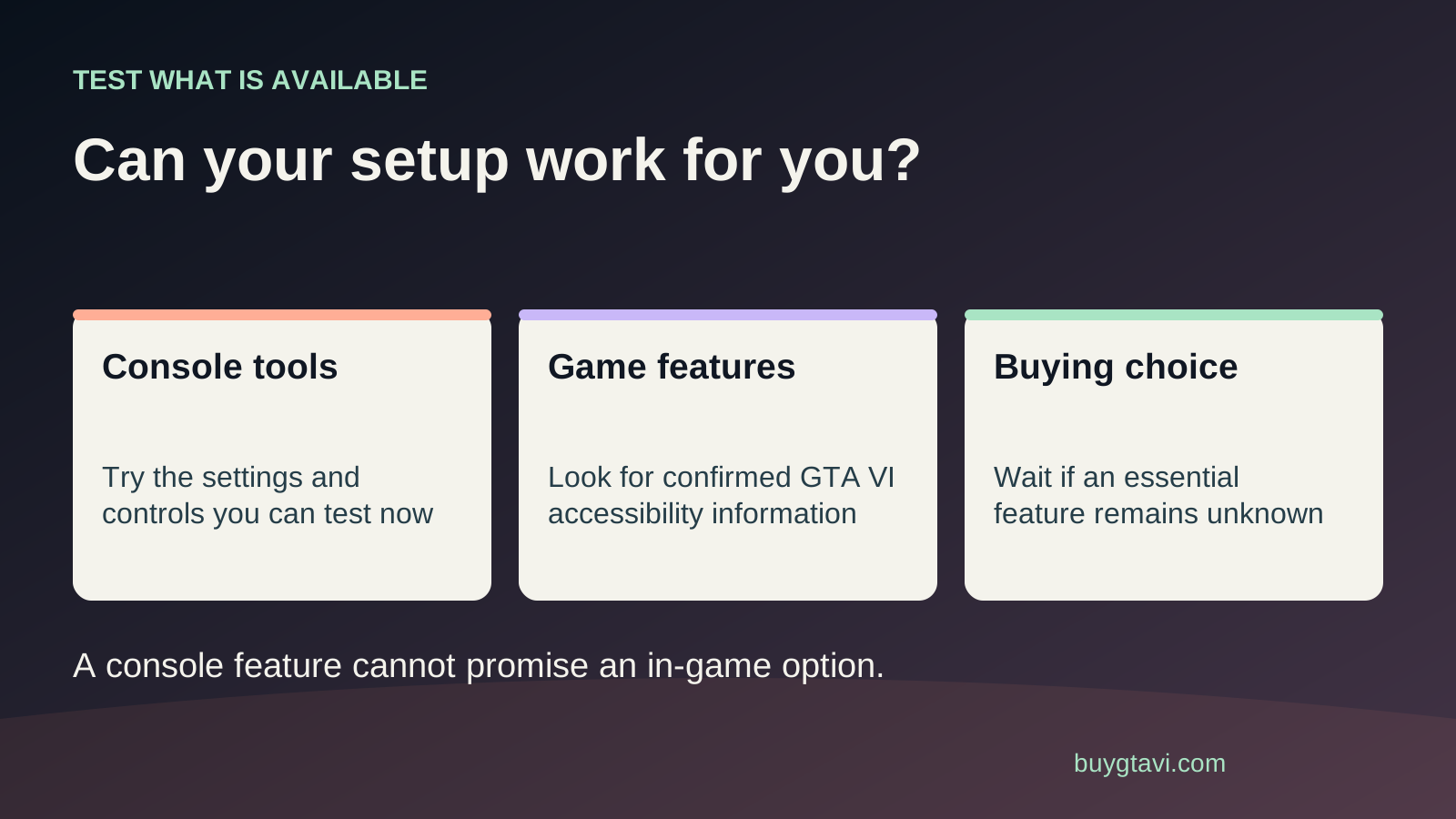 Imagem: buygtavi.comREFERENCE
Check the accessibility features you need before paying for GTA VI. Separate console tools from game options and build a useful test plan.
Read guide ↗