A padlock or an ownership message means the console cannot currently confirm your right to use that content. Check the release window, buying account, completed order and exact product first. On PS5, Restore Licenses can refresh a valid purchase without affecting your data. On Xbox, check the purchasing account and Home Xbox setup. This guide explains general platform checks; it does not claim a known GTA VI license fault.
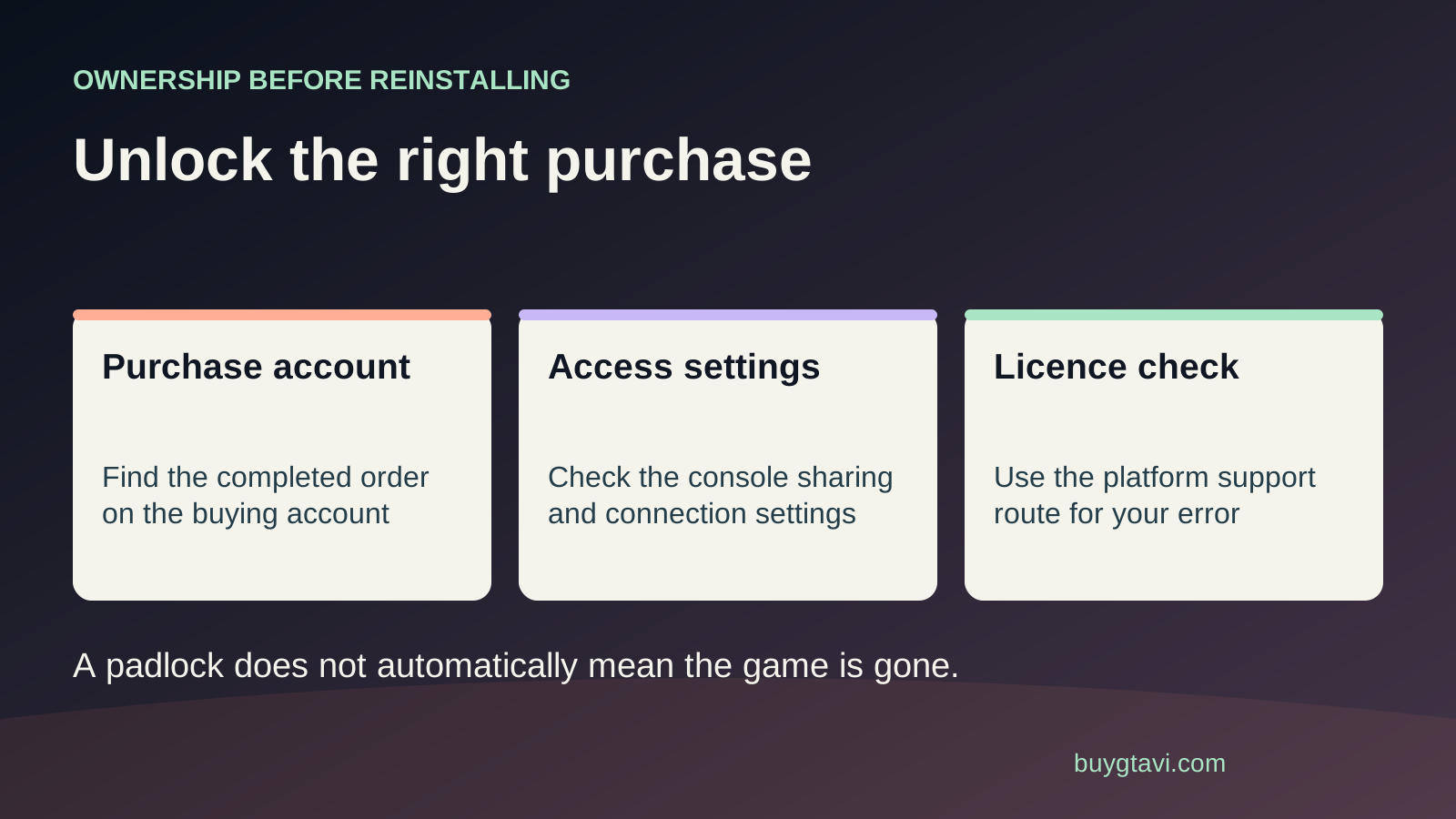
Worth knowing first
- An installation and a license are separate requirements.
- Trace the buying account before restoring, sharing or purchasing anything.
- Use the exact error to separate timing, ownership and download problems.
| Clue | What to investigate | What it does not prove |
|---|---|---|
| Countdown or not-yet-available message | Displayed release timing | A failed purchase |
| Owner can play, other profile cannot | Console sharing arrangement | A broken installation |
| Only an upgrade appears in history | Where the base game was bought | Ownership of the complete game |
| Several purchased games fail together | Platform status and connection | That you need to buy them again |
| Code says already redeemed | Redemption account or seller case | That the box can be reused |
The files and permission are different things
A digital game needs files on the console and permission to use them. That permission is often called a license. Think of the files as a locked room and the license as the key. A game icon or a completed download tells you the room exists; it does not tell you which account holds the key. This is why deleting and downloading again is often a poor first response to an ownership message. You may obtain the same files again without changing the account issue that prevented you from opening them.
Before GTA VI's release, also read any countdown or availability message. A game being present in your library does not mean it can launch early. This guide is prepared before release and explains how PlayStation and Xbox handle license checks generally. If the screen says that the game is not available yet, compare it with your platform's displayed release time and our release guide. A future start time is different from an account that does not own the game. The exact words matter more than the icon alone.
Find the account that actually bought GTA VI
Start with the purchase confirmation. Check the account email, platform, product name and order status. Then sign in to that account through the platform's normal process. If several people use the console, the profile currently on screen might not be the one that paid. A family member's email receipt is evidence about their account, not yours. Ask them to check their own purchase history rather than passing passwords between people. You only need to identify where the purchase sits; there is no reason to expose anyone's login details to a seller or a stranger offering a fix.
On PS5, transaction history is under Settings, Users and Accounts, Account, Payment and Subscriptions. Choose the relevant date range and open the transaction details. For an Xbox purchase, review Microsoft order history while signed in to the buying account. A completed transaction is the useful starting point. If the order was canceled, refunded or never completed, a license refresh cannot turn it into a purchase. If your bank shows a movement but the store does not show a successful order, use our payment problem guide before paying again.
Check whether you bought the game or an add-on
Read the whole product name in your receipt. GTA VI Standard includes the game, while the separately sold Ultimate Edition Upgrade is an add-on for owners of the base game. A person can mistake a cheaper upgrade listing for a complete edition, especially when the cover looks similar. If the receipt names only the upgrade, find the base game's purchase next. Do not conclude that the upgrade failed simply because you cannot launch GTA VI. It may be the base game that is missing from the account.
This can also happen when two people prepare a gift. One buys Standard and another buys the upgrade, but they redeem purchases into different accounts without checking compatibility. First make a simple list of the products and the accounts that received them. Our upgrade guide explains the correct purchase sequence. If an item was bought on the wrong account, contact the relevant store about the options for that order. Do not promise yourself that a restore button will merge two accounts or transfer ownership; those are different actions.
PS5: restore a valid license
Once you have confirmed the buying account and order, go to Settings, Users and Accounts, Other, Restore Licenses on PS5. Select the licenses you want to restore. Sony also describes a Restore License option from the game's options menu. Follow the choices shown by your console. PlayStation says restoring licenses does not affect your data. It is a way to refresh the console's record of access, and Sony lists padlock icons and missing add-ons among the situations where it can help.
Give the operation time to finish, then return to the correct game entry. If the license is not listed or the restore itself gives an error, keep that message. Do not repeatedly run it expecting a different account's purchase to appear. A restore makes sense when the purchase already belongs to the account you are checking. If it does not solve the issue, compare the result with the service status and sharing setup below. You have learned something useful even when the first tool does not fix it: the problem needs another branch, rather than another payment.
PS5: check Console Sharing and Offline Play
If another person bought the game and you use it on the same PS5, check their Console Sharing and Offline Play setup. Sony places this under Settings, Users and Accounts, Other. It can be enabled on one PS5 at a time for that account. When enabled, other users on that console can access its purchased and downloaded games under the platform's rules. Ask the owner to inspect the setting themselves. Do not keep moving it between consoles without discussing who else relies on the current arrangement.
A useful comparison is whether the purchasing account can access the game while another profile cannot. If the owner can use it but the other profile gets a padlock, sharing is a more relevant check than removing the whole installation. If neither can use it, return to order status, release timing and service availability. For two consoles in one household, our two-console guide explains the wider decision. Platform sharing rules do not, by themselves, confirm every GTA VI bonus or account-bound benefit will be available to every person.
Xbox: trace ownership and the Home Xbox relationship
Microsoft's digital purchase rules connect access to the purchasing account and its Home Xbox. On that designated console, the owner's eligible digital purchases can be shared with other signed-in users. On another Xbox, access depends on the purchasing account being signed in and connected under Microsoft's rules. Its published sharing model explains how an ownership message can appear when that access is no longer available. Check who bought the game, which console is designated as their Home Xbox and whether you are trying to play on a different one.
The Home Xbox setting is under Settings, Personalization, My home Xbox. Have the account owner check it before changing it. If a household recently replaced a console or changed its sharing arrangement, that may explain why the files remain but access behaves differently. Do not switch the setting just because someone online says it is always the answer. First compare it with the household's intended setup. Also avoid treating a general Xbox message about inserting a disc as proof that GTA VI has a disc you should find: the announced GTA VI box supplies a code.
An installed game is not proof of a subscription benefit
Some games can be accessed through a subscription while others are bought separately. Those routes can leave similar-looking library entries. If you personally bought GTA VI, use that completed order to investigate your access. If someone claims that a subscription provides the game, ask them to point to the current official listing and the exact plan. Do not renew a membership solely because a generic padlock checklist mentions subscriptions. A suggestion that helps a catalog game does not establish that GTA VI belongs to that catalog.
Keep three questions apart: do you own the game, do you have access through a catalog, and do you need a membership for an online feature? Paying for one does not automatically answer the others. Our subscription guide walks through that distinction. If a subscription actually supplied the content, its active status and catalog availability matter. If a completed separate purchase supplied it, investigate that license instead. This avoids spending on a membership that leaves the original account or order problem untouched.
A service issue can interrupt a valid ownership check
Check the official status page for your platform, then test whether the console can connect normally. A valid purchase does not guarantee that every online check will succeed during an outage. Note whether one game is affected or several purchased games show similar messages. If an official alert matches the affected service, wait for that service to recover before changing account arrangements. An alert is a reason to narrow your troubleshooting; it is not permission to assume that every unrelated problem has the same cause.
After service recovery, restart the console normally and try the correct library entry again. Apply any required console software update through the platform's ordinary instructions. If the only problem is that the download has not finished, move to the download troubleshooting guide. If a finished installation remains locked with a completed order on the correct account, keep working on the license branch. A clear separation saves time: internet speed, installation space and ownership are connected, but improving one does not always repair another.
When the code was redeemed somewhere else
For a retail code, ask where it was redeemed and confirm the answer from that account's history or library. A code that has already been redeemed is not a reusable disc. The original packaging can still be in your hand while the purchase sits in another person's account. If you bought a supposedly unused code and the platform says it was already used, save the error and seller receipt. Contact the seller privately about the unusable item. Do not ask strangers to test the code, since anyone who successfully redeems it could create a new problem.
If a gift ended up on the giver's account, explain that exact sequence to the store. Do not promise a transfer or refund before the store considers the order under its policy. If the problem is an incompatible account region, our region guide is the next step. Changing a console's clock or storage device will not change which account received a code. The useful outcome here is a traceable redemption, or a clear retailer case about a code that did not deliver what was sold.
Give support a case they can follow
If access remains blocked, collect the order number, exact product, buying account, console model, error text and time. Add whether the owner profile can use the game, whether other purchases work and which checks you completed. Send purchase details through the platform's official support route; keep payment details and codes out of public posts. The platform handles its store license. A retailer handles delivery and an unusable retail code. Rockstar support can address publisher-specific content issues once the platform purchase is clear.
You can describe the problem plainly: I have a completed GTA VI Standard order on this account; the game shows this message on this console; restoring the license produced this result. That is much more useful than saying everything is broken. Avoid a second purchase, drive formatting or save deletion while you wait for a targeted next step. Those actions do not establish ownership and may add costs. The final check is whether the intended account can access the correct game when it is available to play, with the original purchase accounted for.
Source desk
Product details checked 2026-10-14. Live store terms can change.
- PlayStation: restore licenses without affecting data ↗ Checked 2026-10-14
- PlayStation: Console Sharing and Offline Play ↗ Checked 2026-10-14
- PlayStation: view transactions and services ↗ Checked 2026-10-14
- Microsoft: digital goods usage rules ↗ Checked 2026-10-14
- Microsoft: Xbox game purchase sharing model ↗ Checked 2026-10-14
- Rockstar: GTA VI editions and retail codes ↗ Checked 2026-10-14