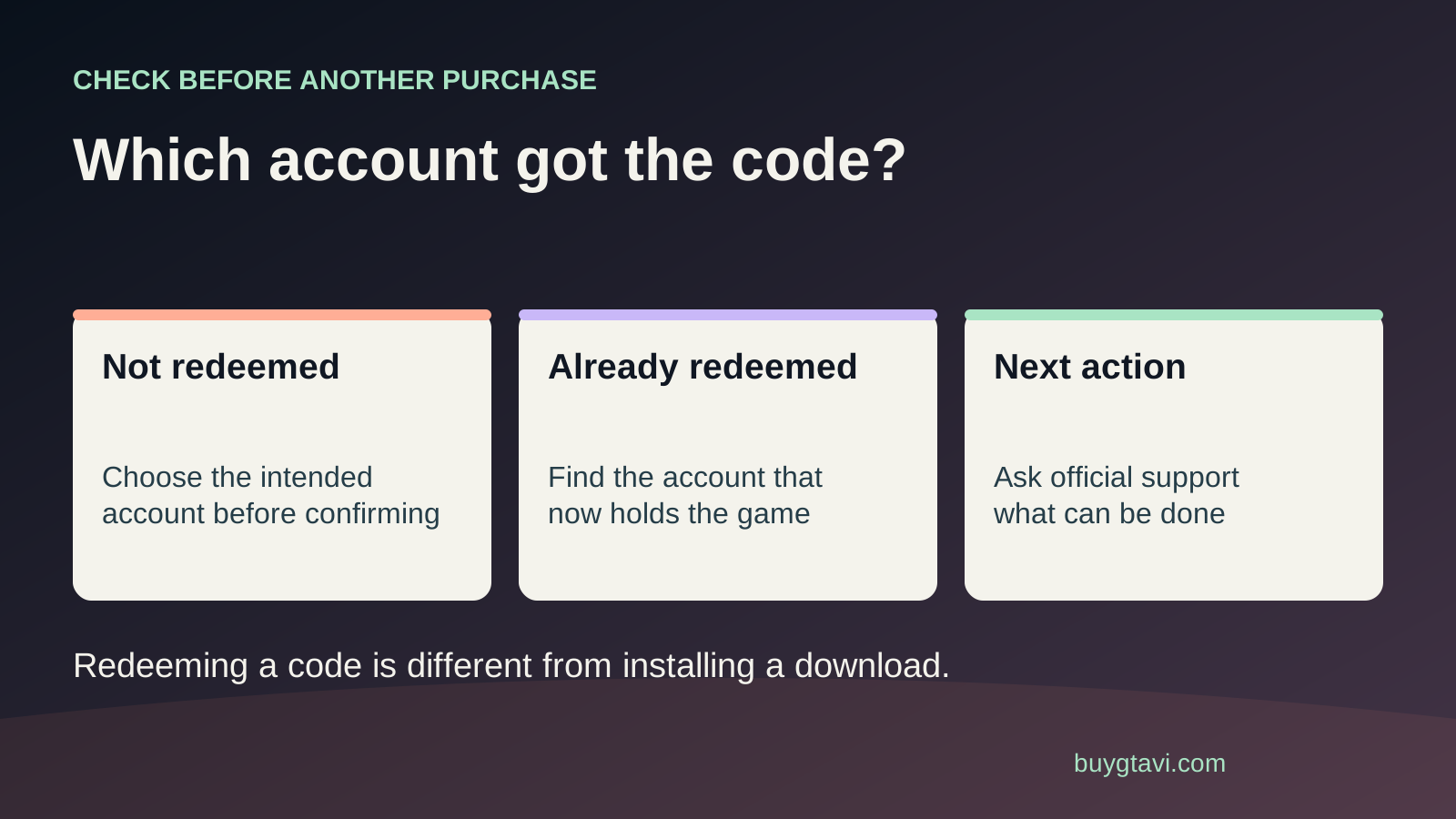
First confirm whether redemption actually finished and which account received GTA VI. If the code is still unused, stop and sign into the intended account. If it was redeemed, entering it again will not move the game. PlayStation says content cannot be transferred between accounts; for an Xbox mistake, use official Microsoft support without assuming a transfer or refund is available.
Worth knowing first
- Confirm the owning account before spending again.
- Household sharing provides a different kind of access from owning a purchase.
- A redeemed code is not an unused gift or a transferable disc.
| What happened | Next useful check | Do not assume |
|---|---|---|
| Code entered; never confirmed | Verify no redemption, then use intended account | Entering always means completed |
| Game found on another account | Inspect official support and sharing options | A second redemption moves it |
| Already redeemed; owner unknown | Check household transaction histories | Seller fraud has been proved |
| Owning account cannot sign in | Start official account recovery | A fresh account receives old purchases |
The easy mistake: your phone remembers somebody else
You buy a GTA VI box for your partner, open the redemption page on a shared phone and type the code. The page looks familiar, so you confirm without checking the account. Later, your partner's console still shows a Buy button. That can happen even though the code worked perfectly. The purchase may have gone to the account already signed in on the phone, rather than the person you meant to give it to.
Take a breath before buying again. A Buy button on one account does not prove the code failed, and an already-redeemed error does not identify the owner by itself. The next useful step is to find the first redemption, not to keep trying the same code on different accounts. Write down which device you used, the approximate time and whether you saw a success message. You will use those details to narrow the search.
Were you still checking the product, or did you finish?
A code-entry screen, a product preview and a completed redemption are different stages. Seeing GTA VI named after entering the code may mean you were still on a confirmation screen. Seeing a completion message suggests it was applied. Screen designs can change, so inspect the account record rather than deciding from a remembered button colour. If you stopped before confirmation, leave the page and sign in to the intended account before continuing.
If the page froze, do not assume either success or failure. Open the account library and transaction history separately. A failed page load after confirmation can leave you unsure even when the underlying action completed. Keep the error or completion screenshot if you have one. Only attempt redemption on the correct account after you have checked the first account and are satisfied that no redemption finished. A code that has already been used needs investigation, not a second round of guesses.
Find the owning account with a short search
Start on the device that entered the code. Open its profile menu and note the account email or ID. Then inspect that account's GTA VI library entry and order history. Check the relevant inbox for a platform confirmation, including folders used to file purchase emails. If the address is unfamiliar, ask the household member who owns it to check. Use each person's normal sign-in; you do not need to collect their passwords.
Make a small list if several people share the console: the intended account, the browser account and any other account that might have been signed in. Mark whether each one shows GTA VI and whether its transaction record includes the redemption. A game installed on the machine is less useful evidence than the owning account's record. Files can be present because somebody else downloaded them. Finding those files alone does not prove that every profile on the machine purchased the game.
Check what the code actually supplied
Read the product name in the receipt or redemption record. A base-game code, Ultimate Edition Upgrade and a wallet card are different products. If the account received an upgrade, looking for a full new game purchase can lead you astray. If it received wallet credit, the money does not by itself mean GTA VI has been bought. Follow the actual item shown in the record before describing the problem to support.
Rockstar's announced retail Standard box supplies a digital game code and contains no disc. An Ultimate upgrade is a separate optional purchase for Standard owners. Moving the box to another room, inserting an unrelated disc or linking a different Rockstar account will not make that platform code unused again. The platform purchase is the first record to establish. If your problem is that the full game was never supplied, our box and code guide helps separate missing contents from an account mistake.
For PlayStation, do not plan around a transfer
PlayStation's voucher help says funds and content cannot be transferred between accounts. That makes the owning-account check especially important. If your own older account received the game, the practical question becomes whether you can keep using that account safely. If another household member received it, ask them to help confirm the record and discuss the official sharing options. Do not promise the intended recipient that support will put the purchase in their name.
Contact PlayStation if the records are unclear, you do not recognize the redemption or you need help understanding an error. Explain which account was intended and which account appears to have received the code. Support investigation is useful, but it is not a transfer button. Keep the existing account available while the case is open. Deleting a console profile to make the intended one look like the only profile does not change the purchase record and can remove information that would help you.
For Xbox, ask about the actual redeemed item
Microsoft's redemption page tells you to sign in to the Microsoft account receiving the code. If you accidentally used another account, inspect that account's order history and game library first. Confirm that the item is GTA VI for Xbox Series X|S. A Microsoft account used for email on a computer may be different from the one behind your console gamertag. A familiar personal email address can still be the wrong place for this purchase.
Use official Microsoft or Xbox support with the receipt and exact redemption details if you need help. Ask what options apply to this specific item and mistake. Do not describe a generic gift-card refund rule as proof that a redeemed game can be moved or refunded. Those are different products and requests. If a helper offers to log into both accounts and 'merge' the purchase for a fee, step away. No private stranger needs your sign-in credentials to discuss a support case.
Household sharing may help with access, but ownership stays put
On PS5, Console Sharing and Offline Play is an official way for other people using an enabled console to play eligible purchases downloaded by the owning account. PlayStation allows that setting on one PS5 at a time. It can be useful when both accounts belong to the same household and the intended player uses that machine. Check the official setup guide before changing the setting, particularly if the owner already uses sharing on another PS5.
That arrangement does not give the intended player's account its own purchase receipt. It also does not establish that every edition extra, online item or subscription benefit is shared. Treat those as separate checks rather than promising all content to everyone. Xbox has an official Home Xbox guide for its household setup; consult that guide for your current arrangement. Our two-console household guide helps you think about who owns the copy and where each person plans to play.
Give support a clear account mistake, not a vague missing game
Prepare the seller receipt, platform, code product name and approximate redemption time. Keep full code characters private. A useful message is: 'I intended to redeem GTA VI on account A, but I was signed into account B on my phone. Account B shows the game in its library. What supported options apply?' If you have not found the owning account, say that instead. Do not claim it went to a particular account because a relative once used the phone.
Use placeholders or partial account details in an initial message until the official support form asks for specific information. Supply full identifying details only through its private process. Keep the case number and the answer about available options. The retailer can address what it sold, while the platform handles the redemption record. A correctly supplied code entered into the wrong account is different from a seller providing an already-used code, so explain which facts you have actually confirmed.
If the owning account is inaccessible, recover it first
An old account receiving the purchase can look like the game vanished when you cannot sign back in. Use the platform's recovery route before creating a fresh account and buying again. A new profile does not inherit the old one's purchase just because your name or console is the same. Keep any still-signed-in device available and save the transaction details you can see. Our lost-account recovery guide works through that situation.
If support confirms there is no available remedy and shared access does not fit, a new purchase may become a deliberate choice. Make it with the full cost understood, rather than treating the earlier payment as certain to come back. For any new code, check the account email on the final redemption screen, not just the avatar. For a gift, let the recipient redeem it. One slow check at that point is easier than trying to untangle ownership after the code has been used.
Source desk
Product details checked 2026-10-14. Live store terms can change.
- PlayStation: voucher redemption and account-transfer restriction ↗ Checked 2026-10-14
- PlayStation: voucher problems and account-history checks ↗ Checked 2026-10-14
- PlayStation: Console Sharing and Offline Play ↗ Checked 2026-10-14
- Microsoft: redeem a game code to your account ↗ Checked 2026-10-14
- Rockstar: GTA VI retail format and separate upgrade ↗ Checked 2026-10-14