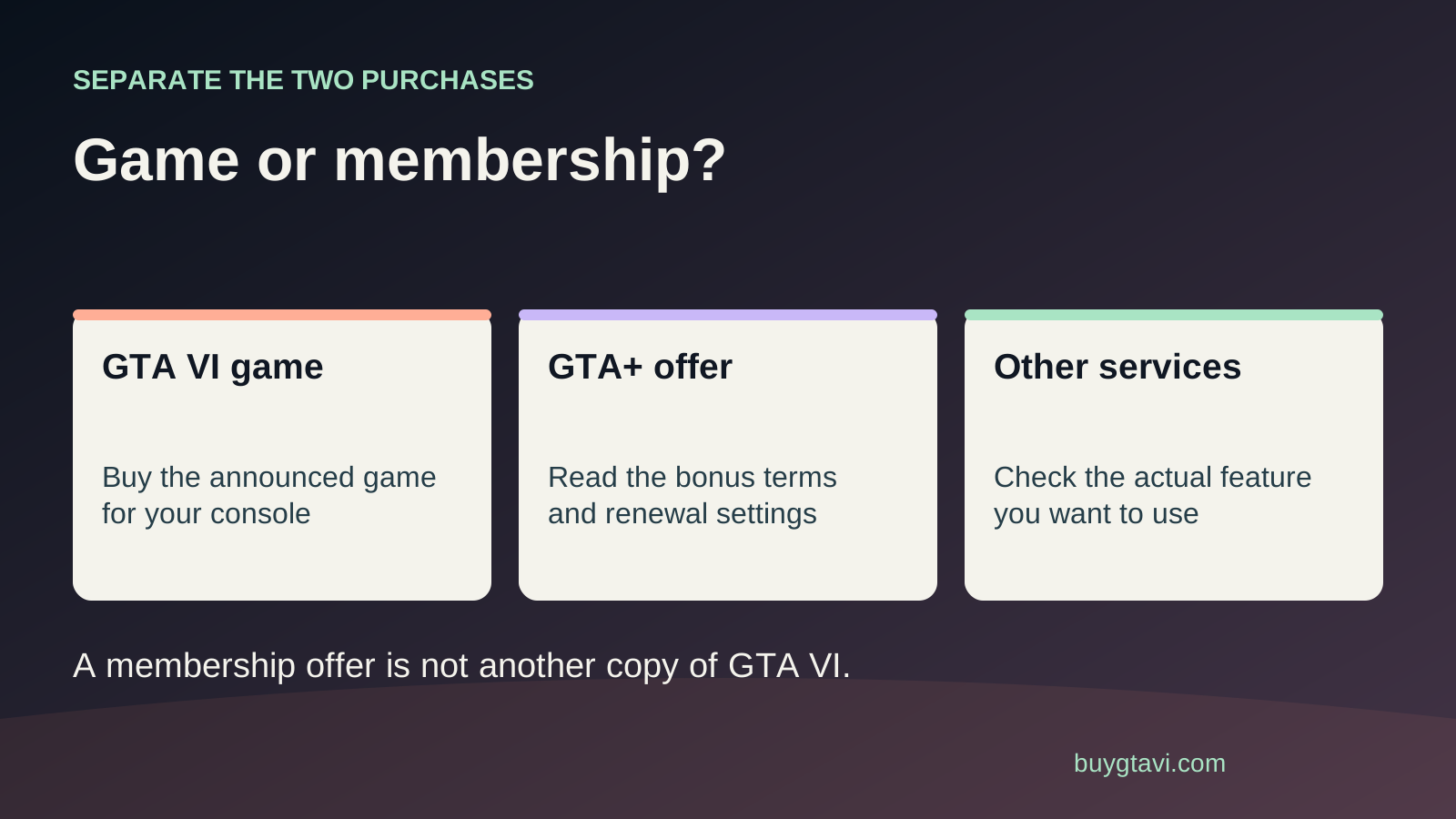
Do not add a paid membership just because you are buying GTA VI. The current PlayStation listing describes a single-player game with offline play enabled. GTA+ is a separate subscription, including a conditional preorder month, and is not the Ultimate Edition Upgrade. PS Plus and Xbox Game Pass have their own benefits and online-play rules. General multiplayer policies do not announce a GTA VI multiplayer mode or make GTA VI a subscription-catalog game.
Worth knowing first
- Separate game ownership, online-play permission and membership benefits.
- Use confirmed GTA VI details rather than guessing future online requirements.
- Inspect renewal dates before claiming a promotional subscription month.
| Product | What to check | Do not assume |
|---|---|---|
| GTA VI game purchase | Edition, platform and purchasing account | That a membership replaces this purchase |
| PS Plus | The benefit you need and the local plan | That a general multiplayer rule announces a GTA VI mode |
| Xbox Game Pass | Console benefits, current catalog and market | That every new release is included |
| GTA+ promotional month | Eligibility, redemption and renewal terms | That free time cannot create a later charge |
| Ultimate Edition Upgrade | Base-game ownership and matching platform | That it is a recurring membership |
Ask which job the subscription is doing
The word subscription appears around games in several different ways. A membership can provide access to a catalog, permission for online multiplayer in eligible games, backup features or extra benefits. Buying a game separately is another route again. If all of these sit on one shop page, it is easy to assume that paying for the game commits you to a monthly bill. Begin with one plain question: what am I paying for each month? If you cannot name the benefit you want, leave the membership out of your cart while you check.
For GTA VI, the current PlayStation listing identifies one player, offline play and a single-player experience. That gives you a concrete basis for the present purchase. It does not provide a reason to buy an online-multiplayer membership for an unannounced GTA VI mode. If you also play other games online, a platform membership may still be useful for those games. Make that decision using their requirements and your actual habits. You can enjoy anticipating GTA VI without adding every service whose name happens to appear near its preorder button.
Buying GTA VI and renting access through a catalog are different
When you buy a digital copy, its license sits with the purchasing account under the store's rules. When you access a game through a membership catalog, access depends on that service and the game's availability there. Xbox explains that access to its catalog ends when the membership expires or the game leaves the relevant library. A download can look much the same either way, but the route matters if you later stop subscribing. Keep the receipt for a separate purchase so you can identify it rather than judging ownership from a game icon.
Do not assume GTA VI is included in a service because an earlier GTA game appeared there, because a subscription advert says new games, or because the service has a tier called Ultimate. You need the exact GTA VI listing, the applicable plan, your market and the access terms. This guide does not claim confirmed GTA VI catalog inclusion. For your budget, treat the announced game purchase as a separate cost unless a current official offer establishes another route. A promise about a whole catalog is not a promise about every future release.
What PS Plus means for this decision
Sony says PS Plus is required for online multiplayer in most PS4 and PS5 games, with exceptions. The service also offers features such as cloud save storage, while its higher plans add other kinds of access. That is platform policy. The GTA VI product page currently describes a single-player experience; it does not turn the general online-play rule into a GTA VI multiplayer announcement. If your only reason for considering PS Plus is playing the announced story, there is no need to choose an expensive plan on the assumption that more membership means more of that story.
You may still want cloud save storage or play other eligible games online. Name those benefits before comparing plans. Someone who wants a save backup feature has a different reason to subscribe from someone who wants a larger catalog. Compare the local plans against the benefit you will actually use and check whether you already have a membership on your regular account. Do not buy another subscription simply because you moved from a PS4 to a PS5; inspect your current account first. A service choice should solve a real need, rather than become a hidden addition to every game purchase.
What Xbox Game Pass means for this decision
The current Xbox Game Pass comparison lists online console multiplayer among the benefits of its eligible console plans, with different catalogs and other features by plan. That does not mean GTA VI is supplied by each one, or by any particular plan. Check the current comparison in your account's market if you need multiplayer for other games. Avoid choosing from an old screenshot of plan names or a friend's bill in another country. Service names, offers and local charges can change, and the final price shown for you is the one that matters.
A PC-only membership is especially easy to confuse with a console plan when someone is new to Xbox. Read the supported devices and benefits rather than relying on the Game Pass name alone. GTA VI is currently announced for PS5 and Xbox Series X|S; a membership on a PC does not establish a PC version or grant a console you do not own. Our platform guide covers the hardware choice. First settle where you will play, then buy the matching game, and only then consider a service whose actual benefits fit that setup.
GTA+ is a separate choice with a separate bill
GTA+ is Rockstar's membership. It is not another name for PS Plus or Game Pass, and it is not the extra-content package called the GTA VI Ultimate Edition Upgrade. Think of those as three separate product labels. A membership can provide its own changing benefits; an edition upgrade is an add-on to your game. If you want the named Ultimate additions, inspect that upgrade. If you want GTA+ benefits, inspect the membership's current terms. Buying one because it sounds like the other can leave you paying for something that does not serve the purpose you intended.
Rockstar lists a month of GTA+ with eligible digital GTA VI purchases before the stated cutoff. The word month matters: it describes time in a membership, rather than permanent access to every benefit the service offers. Do not treat that month as a required step for launching the game. Also do not assume it replaces your platform's online-play membership for another game. These services have different owners and functions. Our PlayStation offer guide and Xbox offer guide cover the promotion on each platform.
Read the free month's renewal date before claiming it
A month offered at no extra cost can still begin a subscription that later charges you. PlayStation's GTA VI offer guidance says the claim screen identifies the date when the month becomes a paid monthly membership. It also gives a redemption deadline of March 31, 2027 and limits the claim to one per account. Read the terms displayed for your platform and country. If you already subscribe, check how the promotional month is applied to the existing membership rather than assuming it creates a second independent free period.
Before you finish redemption, note the renewal amount, renewal date and account that will be charged. If you only want the included month, use the platform's membership management tools to prevent an unwanted renewal according to its instructions. Then check the account status and keep the confirmation. Do not rely only on remembering to do it later. For Xbox services you already use, the Microsoft services page gives you a place to inspect the subscription and recurring billing. Manage the membership where it was purchased, not through an unrelated shop.
A gift can have two owners and two decisions
If you are buying GTA VI for someone else, settle the recipient's platform and account before thinking about membership extras. An included promotion may be tied to the account that placed the digital order. PlayStation's listing says its GTA+ incentive is not transferable and must be claimed on the ordering account. That makes a difference if you were planning to buy on your own account and send the free month to the recipient. The game purchase and the promotion need their own compatibility checks.
Do not redeem a promotional month into the recipient's account without discussing a future recurring charge. A gift should not quietly become a bill they did not expect. You can give the game and let them decide whether to claim or keep a membership. If you are paying for a period of service too, agree on what happens when that period ends. Our gift guide explains the account and delivery choices. Generosity works better when the recipient can use what you bought and understands which parts continue charging later.
Use a one-time and monthly budget
Put the game, console and any storage purchase in one-time costs. Put memberships and your internet plan in recurring costs. If you already pay for a service and intend to keep it, note that separately rather than pretending GTA VI caused the whole existing bill. If a new promotion would add a membership you never planned to keep, include the eventual charge when comparing the offer's value. A checkout can feel affordable while a few small subscriptions gradually make the year's total much larger.
Here is a made-up example, using no market price: one membership costs 8 units a month and another costs 12. Keeping both for a year costs 240 units. That is the sum of 20 units each month for twelve months, not a one-time 20-unit extra. The lesson is the time period. Use your own checkout amounts, currency and taxes to make the real comparison. You do not need to calculate every future bill perfectly; you need to see whether a service you barely use will keep taking money after the excitement of buying the game has passed.
When a locked game sends you toward a membership
If GTA VI shows a padlock or ownership message, check the purchasing account and completed order before renewing a service. The game may have been bought on another profile, a code may not have been redeemed yet, or the receipt may refer to an add-on. Renewing a membership does not transfer a purchase or supply a missing base game. Our license guide follows those checks in order. Use a membership renewal as the remedy only when you have established that the blocked access actually came from that membership.
Likewise, downloading game files does not mean you own every add-on or have fulfilled every access requirement. Keep the game order, upgrade order and service subscription visible as separate entries. This makes support easier if one part is missing. You can say exactly which product is paid for and which screen is refusing access. Avoid buying a higher service tier as a way to experiment. A more expensive plan might add useful benefits, but it is not a general repair tool for a wrong account or incomplete order.
Make the decision for what is available now
If your plan is to play the announced GTA VI single-player game, begin with the correct game purchase and a supported console. If you want an existing service benefit, compare that benefit and your local plan. If your interest is a future GTA VI online experience, wait for its own official details before paying for a membership specifically for it. There is no need to reserve a year of service for an assumption. Your best subscription decision is one you can explain in a sentence: this service provides this benefit, on this account, for this amount, and I want to keep it for this long.
Source desk
Product details checked 2026-10-14. Live store terms can change.
- PlayStation Store: GTA VI single-player and offline details ↗ Checked 2026-10-14
- PlayStation: PS Plus benefits and multiplayer policy ↗ Checked 2026-10-14
- Xbox: current Game Pass plans and access terms ↗ Checked 2026-10-14
- PlayStation: GTA+ preorder claim and renewal terms ↗ Checked 2026-10-14
- Rockstar: GTA VI editions and digital purchase incentives ↗ Checked 2026-10-14