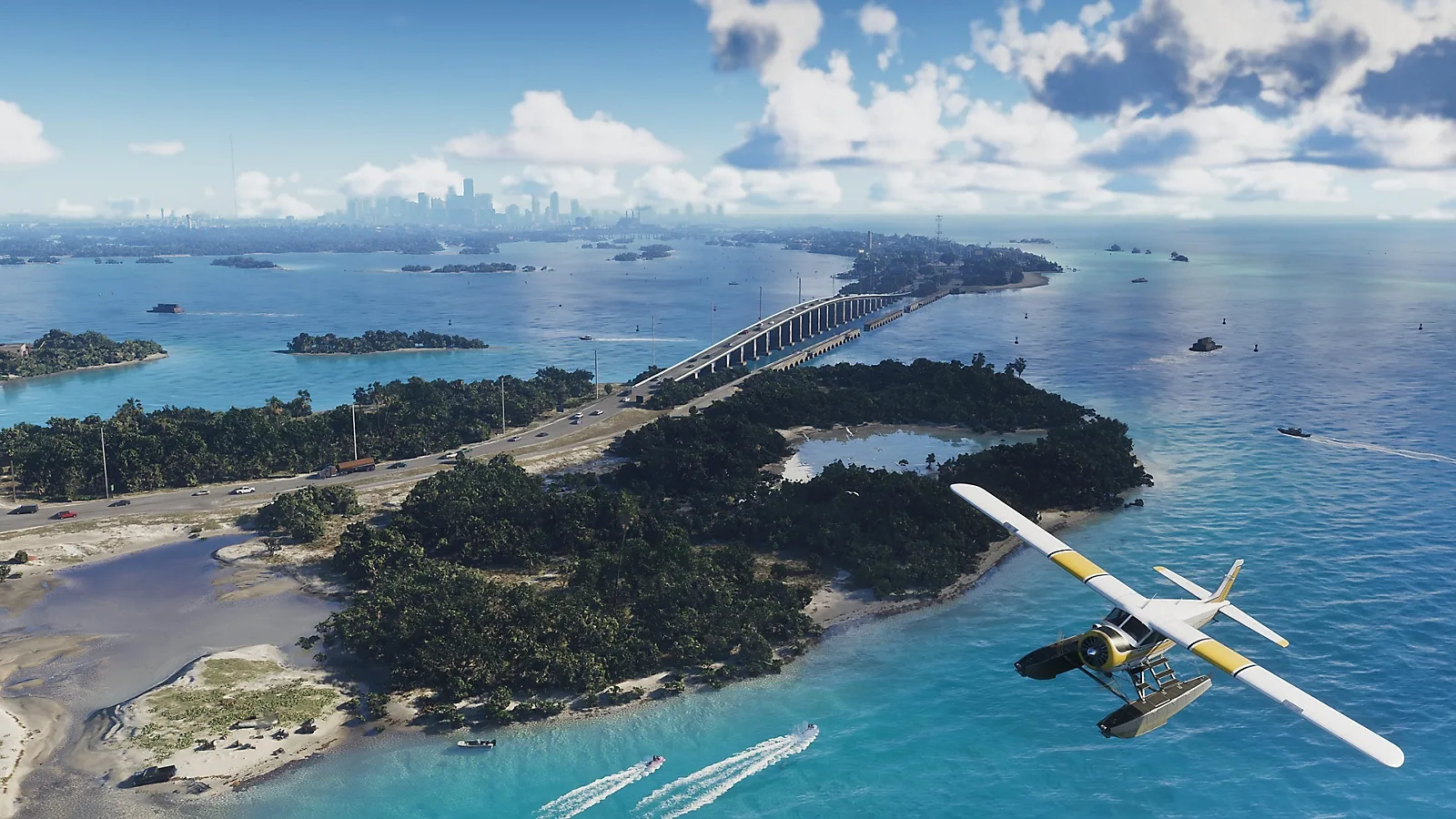
Rockstar's August 27, 2026 Extended Look is described as footage captured entirely in-game on PlayStation 5. That confirms the publisher's stated capture platform. It does not provide measured frame rates, a full graphics-mode list or a comparison with PS5 Pro, Xbox Series X and Series S.
ANNOUNCED · ARTICLE PUBLISHED Sep 26, 2026
Worth knowing first
- Watch from Rockstar's original page to keep the footage with its capture statement.
- Use the presentation to judge the world and tone that appeal to you.
- PS5 capture does not remove Xbox Series X|S from the announced platform list.
- Wait for specific mode information or comparable testing before paying for a performance-based upgrade.
The August 27 presentation and its original source
Rockstar's official Extended Look page dates the presentation August 27, 2026 and describes it as captured entirely from in-game footage on PlayStation 5. The page links to official viewing destinations, including YouTube and Netflix. That gives the video a clear origin and lets you read the capture statement beside the presentation rather than relying on a reposted clip.
Start there if a short clip has caught your attention. A social post can attach a new caption, crop the image or leave out the original description. Returning to Rockstar's page helps you check whether the claim you saw came from the publisher, from a commentator or simply from somebody sharing the footage.
The important confirmed information is the stated PS5 capture origin. This article explains what that means for someone choosing a console or deciding whether to preorder. It does not add a scene-by-scene account, unseen settings or technical measurements that the official page does not supply. You can use the presentation without treating every theory attached to it as another announcement.
What in-game footage tells a buyer
The capture statement identifies the footage as coming from within the game on the named platform. That is useful when you want to distinguish the publisher's game presentation from artwork or a separate promotional animation. It tells you how Rockstar describes the material, and PS5 owners have a clear platform reference when watching.
A presentation is still a chosen selection. The publisher decides which moments appear, how they are arranged and what the viewer is shown. One impressive sequence cannot establish the length of the story, the range of every activity or how every area behaves during ordinary play. Look for specific information about any feature that matters enough to determine your purchase.
Use the video first for the questions it can help you answer: do the look, characters and tone interest you? Do you want to spend time in this world? Those are real buying questions. You do not need to turn the presentation into a frame-rate chart for it to be useful.
Why the footage is not a console comparison
A console comparison needs the same task, clear settings and a way to measure what each machine produces. The Extended Look's capture statement names PS5; it does not describe a test conducted across PS5 Pro, Series X and Series S. Without those other results, there is nothing in the statement from which to calculate a reliable winner.
The same limit applies to performance modes. A source video does not automatically tell you which final modes players will be able to choose, their resolution targets or how stable they are in demanding scenes. If a mode name or frame-rate claim appears in a commentator's caption, check where the publisher has actually confirmed it.
That does not make the footage useless or require you to distrust your own eyes. You can enjoy what the publisher presents while leaving unanswered technical questions open. For a purchase based mainly on performance, those missing details are exactly the details worth waiting for. An attractive video and a carefully measured comparison serve different jobs.
PS5 capture, PS5 Pro support and Xbox compatibility
The PlayStation product page lists GTA VI for PS5 and marks PS5 Pro Enhanced. That confirms an enhanced Pro route, but the badge alone is not a full explanation of its improvements. The Extended Look's PS5 capture description should not be rewritten as a Pro benchmark or a promise about a particular Pro mode.
Xbox's own GTA VI page lists Series X|S. The fact that Rockstar chose PS5 for this presentation does not cancel that announced support. Series S buyers should use the official compatibility list and then seek specific technical information if performance details are important to their decision. Neither a brand logo nor a missing comparison shot establishes the other console's result.
For an existing owner, this is good reason to keep the first decision simple: your supported console remains an announced way to play. Hardware upgrades can be evaluated when their actual benefits and local costs are clear. Buying a more expensive game edition is also separate from the console hardware producing the image.
Watch through a good source before judging picture quality
Use the original viewing link and check the player's available quality settings. A low-quality stream can blur fine detail, particularly when your connection is struggling. A clip downloaded and uploaded several times may look different again. Comparing those copies can tell you more about the video delivery than about the game's final image on your television.
Let the video reach the selected quality and use a screen on which you can comfortably see it. If the connection keeps dropping, return later instead of treating a poor stream as a final hardware result. You do not need new equipment just to watch the announcement. The useful first step is giving the official version a fair chance to display.
Likewise, a video described as 4K or carrying a particular playback frame rate does not automatically announce the game's rendering settings. The exported video file and the game running on a console are different things. Look for explicit game-mode details before turning the player's format information into a console purchase claim.
How to take useful notes without turning guesses into facts
If you want to discuss the footage with friends, keep a simple timestamp for the moment you mean. Write what you can directly identify, then put your interpretation in a separate sentence. For example, seeing a vehicle is an observation; deciding that every similar vehicle can be purchased is an extra claim needing game information.
Use questions as questions. You might wonder whether a location can be explored freely, whether an activity repeats or how a character change works. Those are useful things to follow in later announcements. They do not have to be answered by guessing from a camera cut. Keeping the uncertainty visible helps you remember which part still needs confirmation.
Be equally careful with screenshots shared without context. A still image can help with art, atmosphere and a visible design detail, but cannot show how long a frame took to render. A comparison built from different video qualities, times of day or camera angles may be interesting to discuss while remaining weak evidence for a technical conclusion.
Decide whether you need the game, an upgrade or more information
If the footage has convinced you that the game appeals to you and you already own a supported console, compare the correct edition and seller next. There is no requirement to turn interest in the game into an immediate console replacement. Keep the base game, optional content and hardware on separate lines in your budget.
If you are choosing new hardware mainly for GTA VI, identify your unanswered question precisely. It might be which mode looks best on your screen, how a particular console handles a demanding scene or whether you value improvements across several other games. Specific questions are easier to resolve when technical information arrives than a general feeling that one console must be best.
If you prefer PC, the presentation does not announce a PC edition or requirements. A video watched on a computer remains footage of the stated PS5 capture. Wait for an actual PC announcement before buying parts around this game. A launch-console purchase should make sense for the experience offered on that console.
Keep the launch facts beside the excitement
The scheduled GTA VI release is November 19, 2026 on the announced console platforms. Rockstar's current support information says preload begins at local midnight on November 12. Those dates and the owning account have a more direct effect on your first-play plan than a speculative performance caption attached to an exciting shot.
If you decide to preorder, check platform, edition, account country and the full checkout total. Remember that the retail game box contains a download code rather than a disc, so buying a box still requires time to download. Use the launch checklist to prepare the practical parts once you have made the purchase decision.
Return to Rockstar's official viewing page when you want the presentation, and use the platform guide when you want compatibility. Keeping those sources close lets you enjoy anticipation with a clear head. The strongest reason to buy is that you want the announced game and have a setup that fits it, with any costly hardware change supported by the information that matters to you.
Source desk
Product details checked October 13, 2026. Live store terms can change.
- Rockstar: August 27 Extended Look and PS5 capture statement ↗ Checked October 13, 2026
- PlayStation: GTA VI support and PS5 Pro Enhanced badge ↗ Checked October 13, 2026
- Xbox: Series X|S support and release ↗ Checked October 13, 2026
- Rockstar: preload and retail format ↗ Checked October 13, 2026